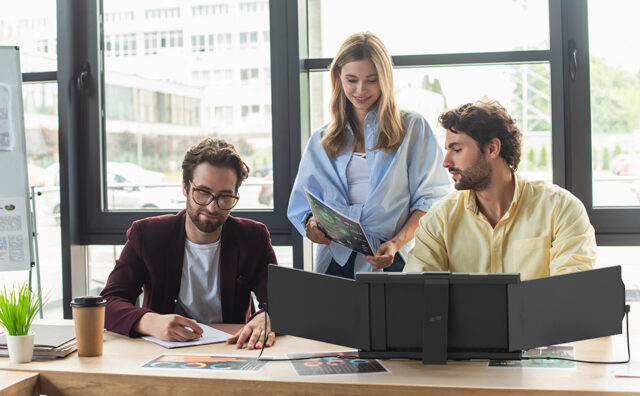
Staying organized and focused with a single laptop screen is not an easy feat anymore for the tech nomads. Productivity for the mobile-first performers of today includes working from libraries, coffee shops, a couch, and whatnot.
But coding or producing digital content from a single screen can seriously deteriorate one’s efficiency. Enter the laptop screen extenders- the savior for video conferencing quality and efficiency. More popular as an extra portable monitor, you can now upgrade your mobile workspace with a lightweight, slim, and super-powerful secondary screen.
Portable Monitor- What it is
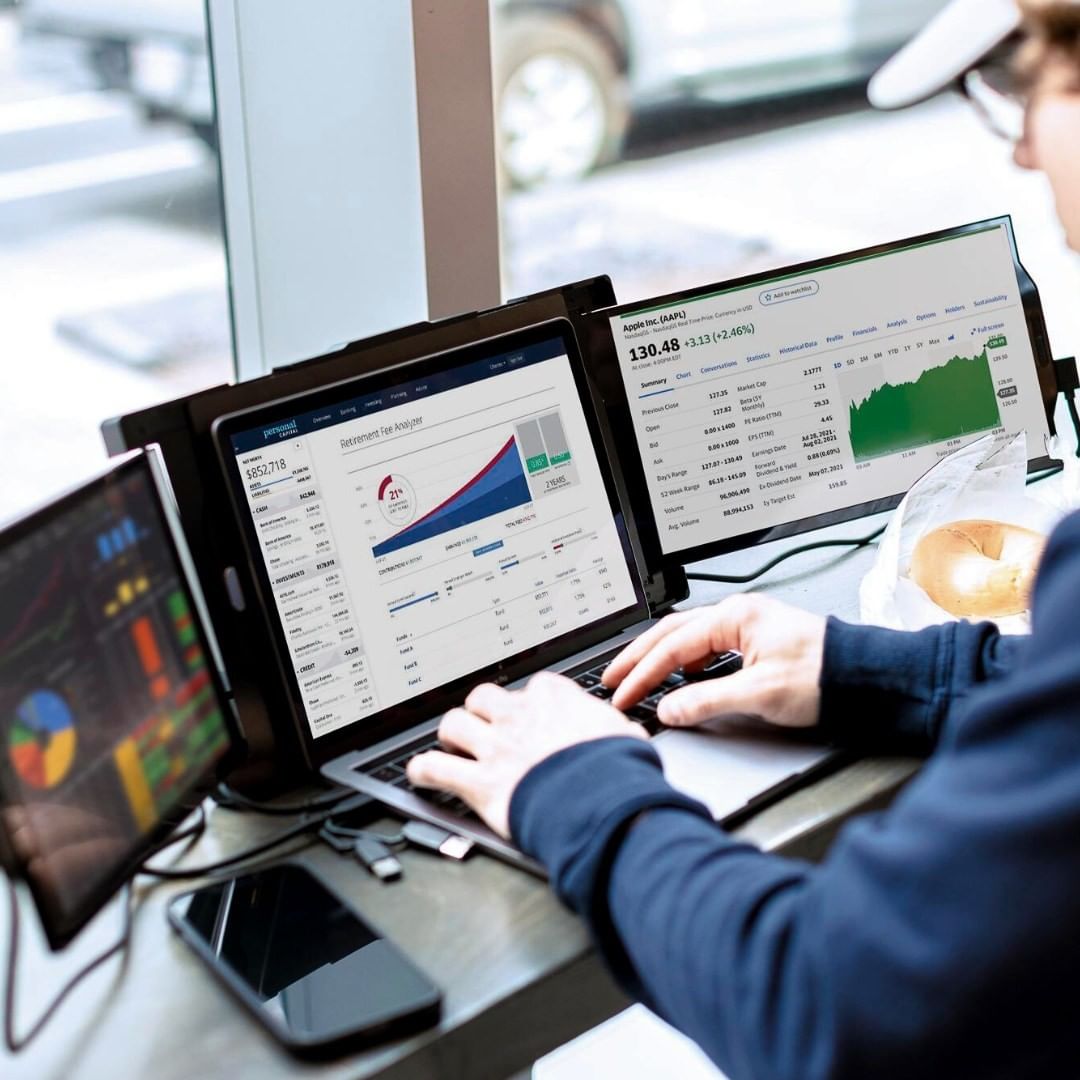 A laptop screen extender, such as the MobilePixel Trio, is an extra monitor or two that you can conveniently attach and detach to your laptop. Thanks to the super portability, slim and lightweight construction, you can get the extra screen up and running with an HDMI or USB-C cable.
The Boost in Organization, Focus, and Video-Conferencing Quality
With a laptop screen extender, your video conferencing experiences will get a massive upgrade. You see, these extenders allow you to view all on the main screen, while the extenders are available for presentations, notes, or other important applications.

In the past, video conferencing meant you had to manually take notes while trying to stay super focused on the call. But a triple setup allows you to multitask, boost engagement, and performance. You don’t need a scattered mind and desk for notes and presentations when comfortable viewing, improved ergonomics, and more are available.
Key Benefits of Laptop Screen Extenders
1. Improved Engagement and Ergonomics
When conducting video conferences, a single screen means you can only use it for your presentation slides. Unfortunately, you miss out on reading their expressions, reactions, and engagement. But with a screen extender, you can use your main screen for the slides, while the other is for a live feed of the conference participants. Win-win situation? Most definitely!
2. Improved Productivity and Organization
A single screen in the past meant you could only run the conference on it? But what would happen to your notes, relevant material, and such? Of course, you would have to squeeze them all awkwardly into the available space on your desk. That means more clutter, more disorganization, and more distraction.
But you can now bid goodbye to all those problems with these incredible laptop screen extenders. With all the information you need lined up on the portable screens in a row, you will have your required information present together.
3. No more Neck Strain
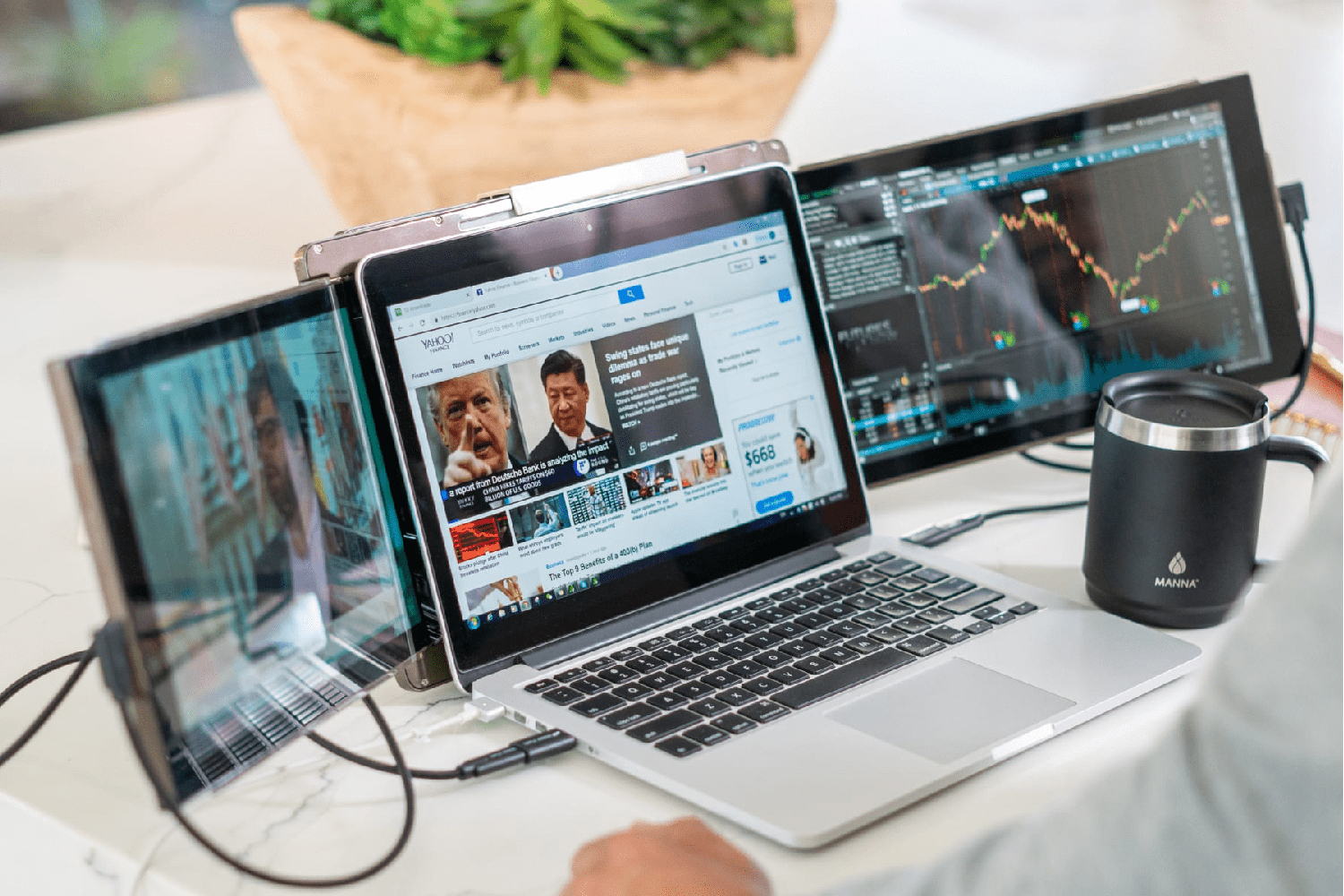
The quality of a video conference quickly deteriorates when participants or hosts have to swing their necks back and forth between screens and their work material. However, a laptop extender promises infinite ergonomic benefits.
The portable monitors allow you to position them to your comfort and at optimal eye level. No more looking up and down a single screen or back and forth between working materials.
4. Dedicated Display
Do you often feel guilty about not producing a quality display for your video conferencing participants? Well, with laptop screen extenders, you can now assign a dedicated display for the audience. Your virtual meetings and client presentations will see a desirable boost with this feature alone.
5. Does not consume much Battery Life
For smooth and uninterrupted video conferencing, it is imperative to have optimal battery life. You can rely on a laptop screen extender for that. These portable monitors consume minimal power from the laptop. What’s more, you can now find many options with pass-through charging.
Conclusion
Is real-time data and access to multiple metrics a challenge during video conferences? Well, not anymore with our laptop screen extender. This portable monitor promises to boost productivity, engagement, and organization, taking your video conferencing skills to heights of professionalism.
So what are you waiting for? Contact us today to find the best laptop screen extender for your digital needs!
Disclaimer
Artificial Intelligence Disclosure & Legal Disclaimer
AI Content Policy.
To provide our readers with timely and comprehensive coverage, South Florida Reporter uses artificial intelligence (AI) to assist in producing certain articles and visual content.
Articles: AI may be used to assist in research, structural drafting, or data analysis. All AI-assisted text is reviewed and edited by our team to ensure accuracy and adherence to our editorial standards.
Images: Any imagery generated or significantly altered by AI is clearly marked with a disclaimer or watermark to distinguish it from traditional photography or editorial illustrations.
General Disclaimer
The information contained in South Florida Reporter is for general information purposes only.
South Florida Reporter assumes no responsibility for errors or omissions in the contents of the Service. In no event shall South Florida Reporter be liable for any special, direct, indirect, consequential, or incidental damages or any damages whatsoever, whether in an action of contract, negligence or other tort, arising out of or in connection with the use of the Service or the contents of the Service.
The Company reserves the right to make additions, deletions, or modifications to the contents of the Service at any time without prior notice. The Company does not warrant that the Service is free of viruses or other harmful components.